Managing end-to-end AI agents
Designing and prototyping in Codex how teams run, monitor, and control autonomous agents in real workflows.
Intro
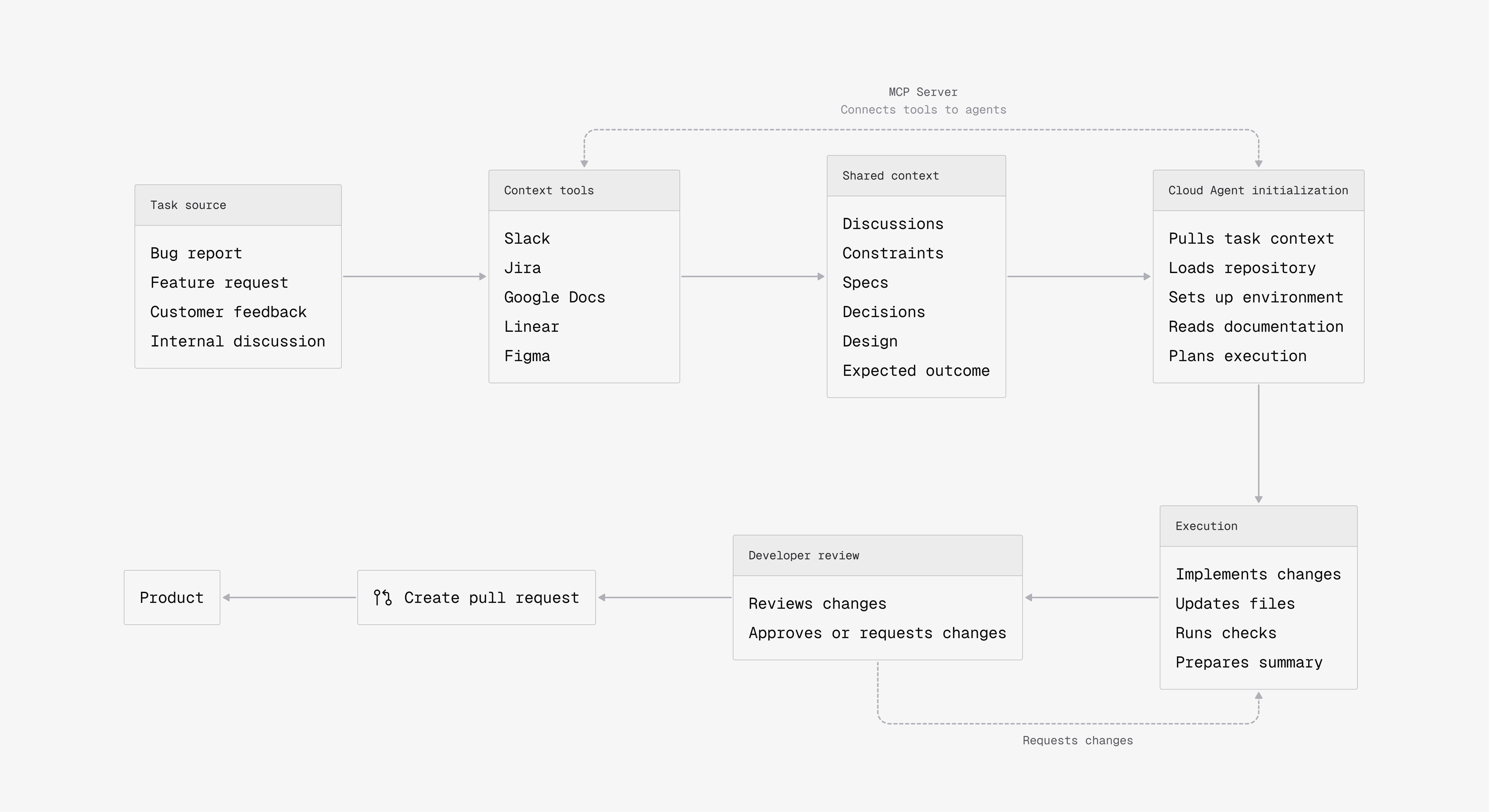
AI agents can generate code, but they don’t share the context developers rely on. Most of this context stays implicit and is not structured or accessible to the system.
As a result, agents produce output without understanding the goal, developers spend time correcting it, and trust breaks down. AI speeds up code generation, but it does not create shared understanding.
From prompts to context
To produce meaningful results, agents need access to the same context developers use. This includes the origin of the task, product constraints, expectations of what “good” looks like, and decisions made during development.
Today, this context is scattered across tools like documentation, chats, and tickets, and rarely forms a complete picture. To compensate for this, developers often have to manually reconstruct context in prompts, which takes time and still leaves room for missing details.
Agents need direct access to this ecosystem, not through prompts, but through structured context. Approaches like MCP enable this by connecting agents to the same tools developers use.
If a system works for engineers at scale, it should work for agents as well.
Core challenge
Research & Insights
Stripe's Minions
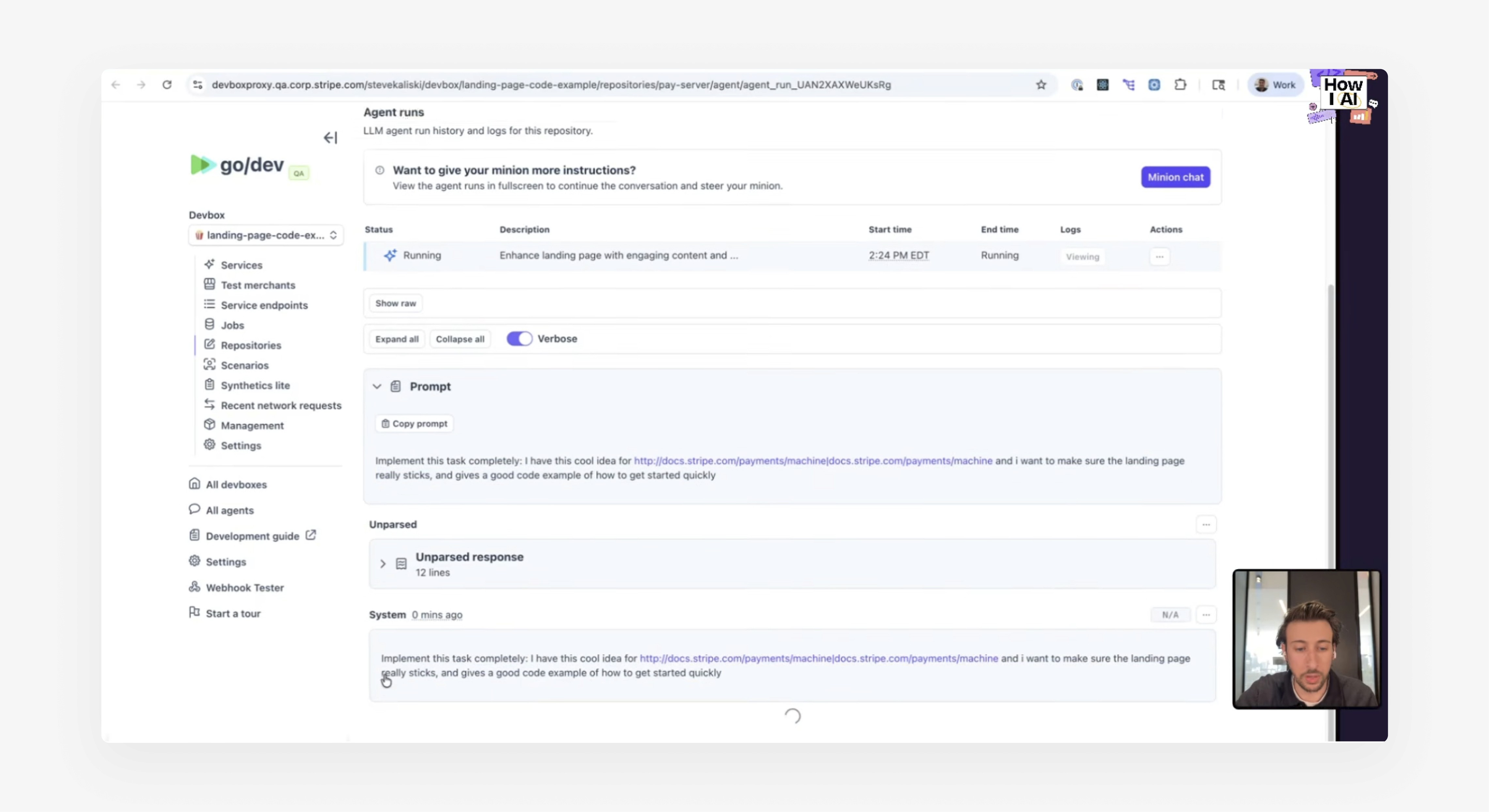
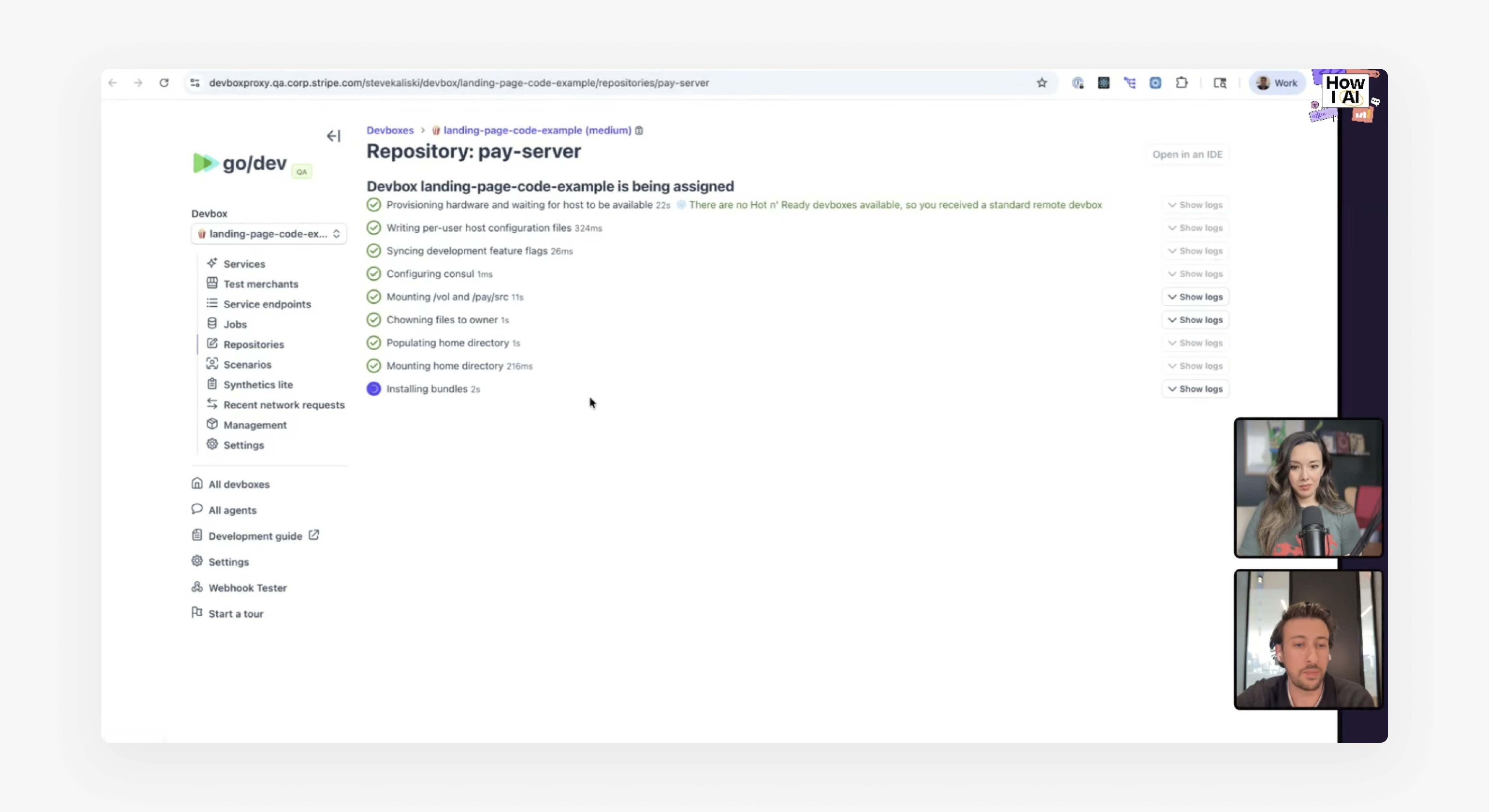
I started by exploring Stripe’s approach to cloud-based agents, known as Minions.
These agents can be launched from Slack or other internal tools, operate with access to context, and execute tasks in the background.
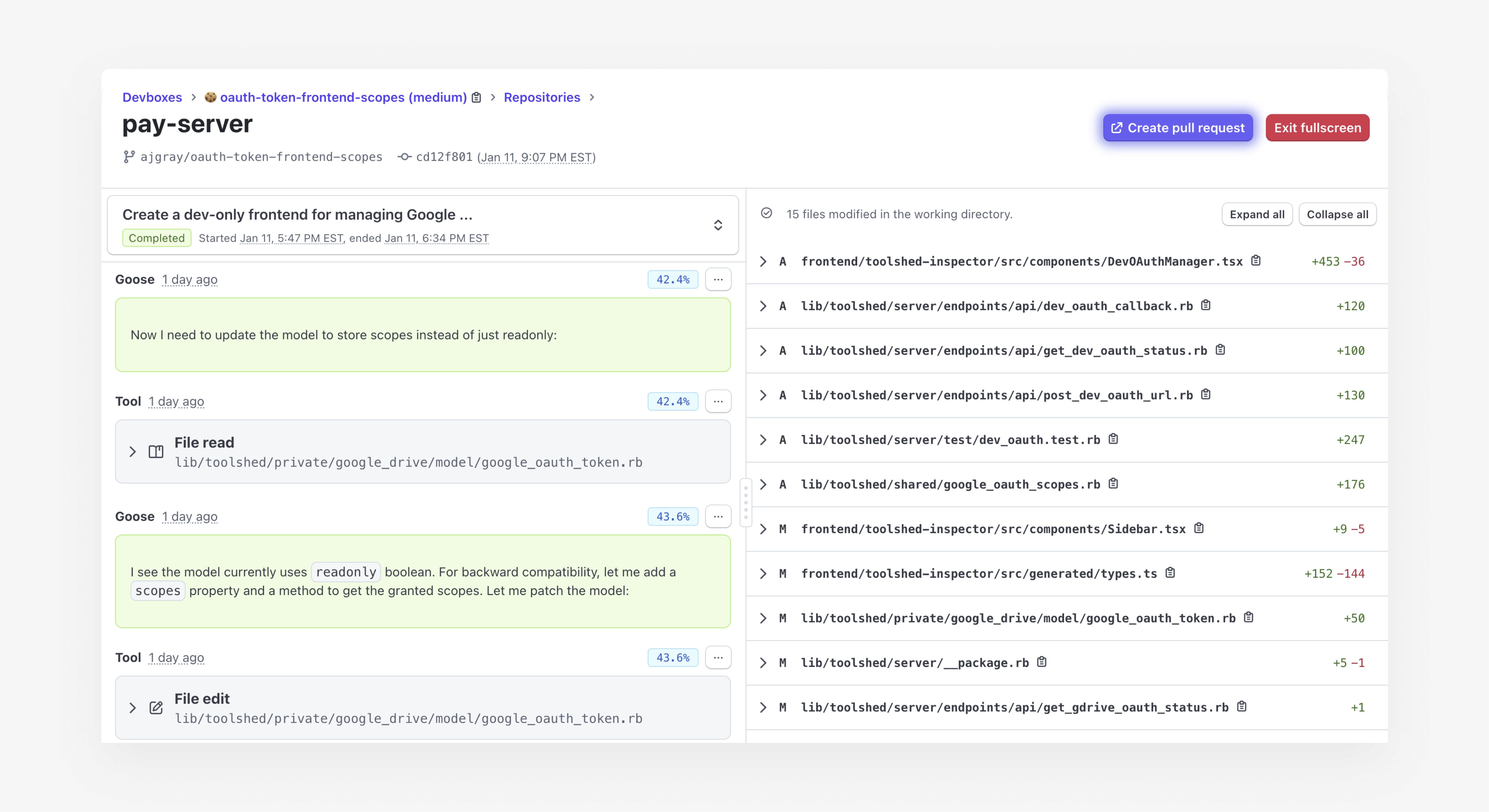
However, the interface reveals a limitation. It works well for individual runs, but breaks down when multiple agents are running in parallel.
At that point, it becomes difficult to understand what each agent is doing, how tasks are progressing, and how their outputs relate to each other.
This exposes a gap between execution and management. While agents can perform tasks, developers still lack a clear way to oversee them as a system.
Stripe's Devbox Interface
Sources: How I AI, Stripe’s Article about Minions
Agents are not roles
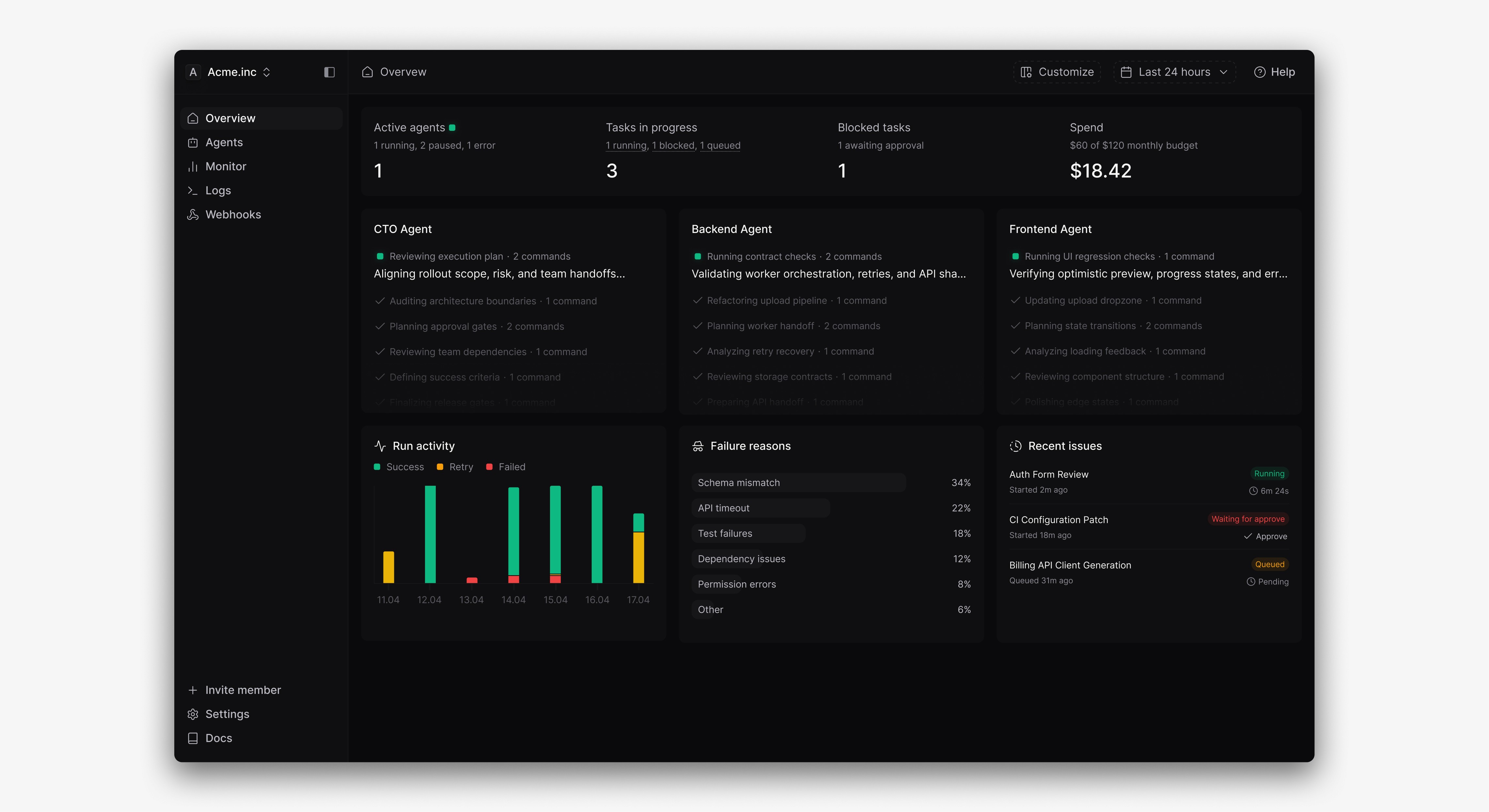
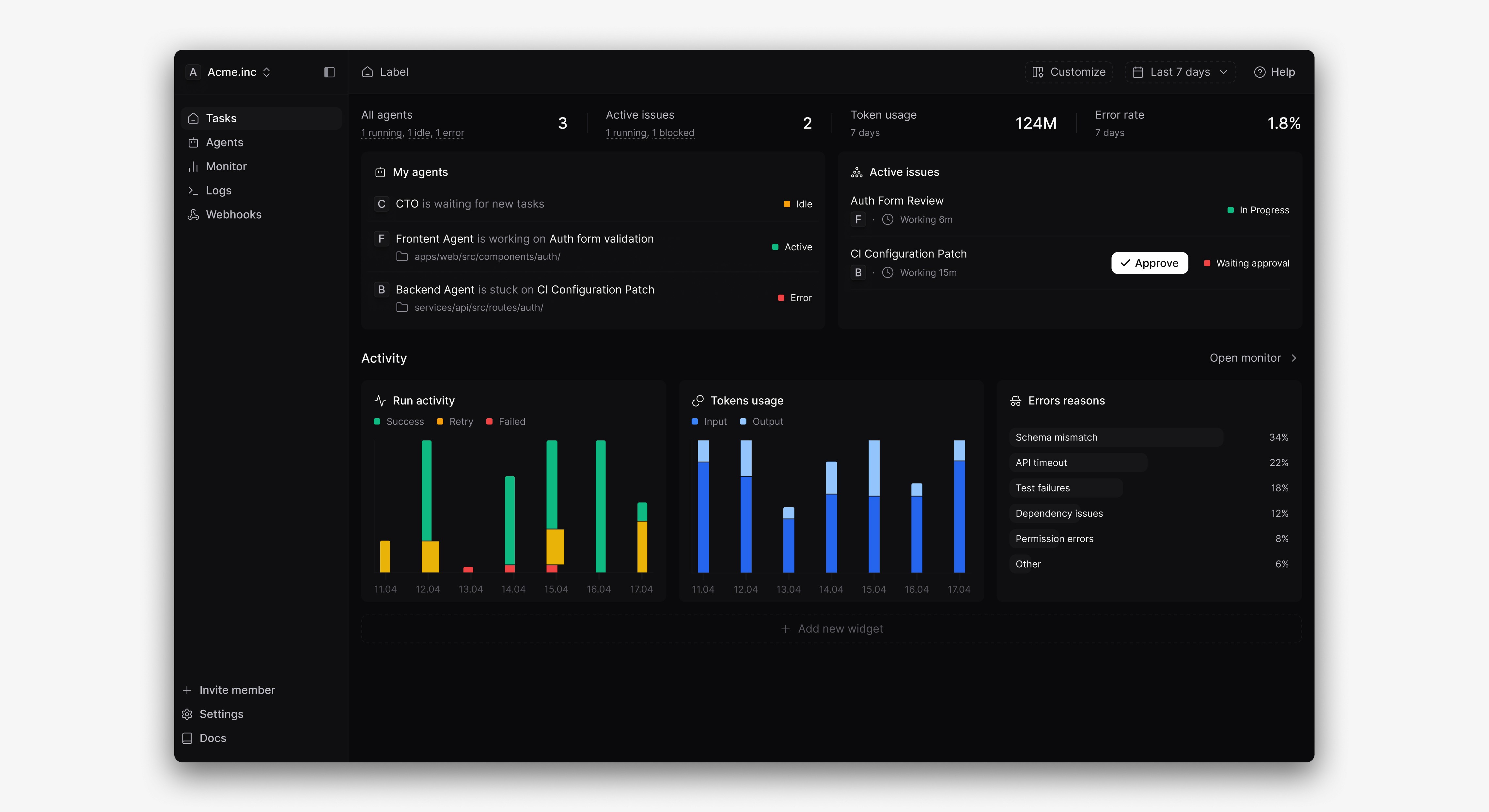
At first, I explored structuring agents as roles, similar to a real-world team — Frontend Engineer, Backend Engineer, CTO. Each agent would be responsible for a specific domain and run tasks in parallel. This is the same as Paperclip approach.
However, after discussing this approach with developers, it became clear that this model does not reflect how real work happens. Developers don’t think in rigid role boundaries. A single task often spans multiple domains, from frontend to backend and beyond.
Treating agents as fixed roles introduces unnecessary constraints and limits their usefulness. Instead, the system should focus on tasks and context, allowing agents to adapt to the problem rather than being defined by predefined categories.
First iterations
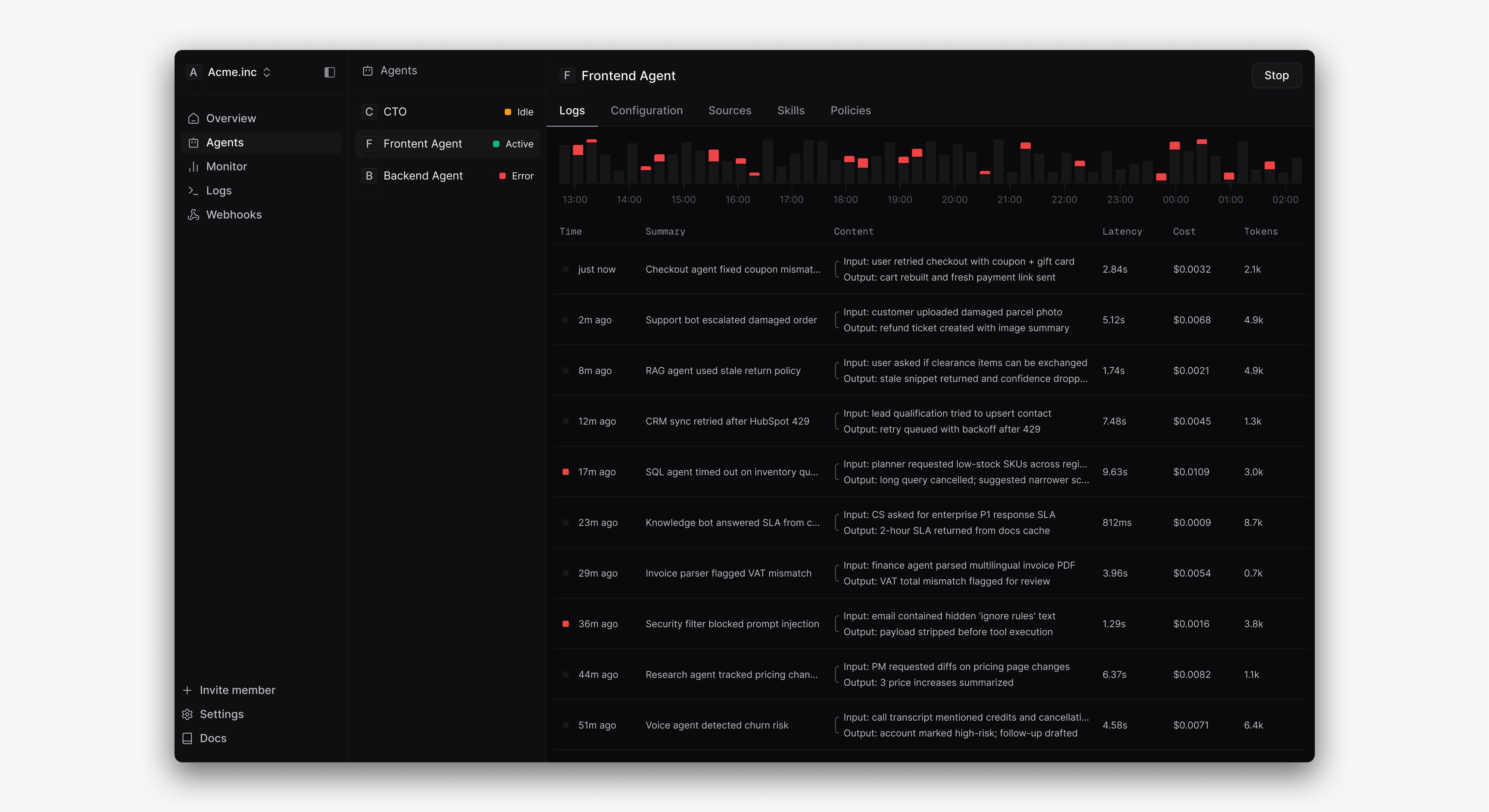
Separating execution from observability
It also became clear that combining execution and observability layers in a single interface does not work. When everything is treated as equally important, nothing stands out.
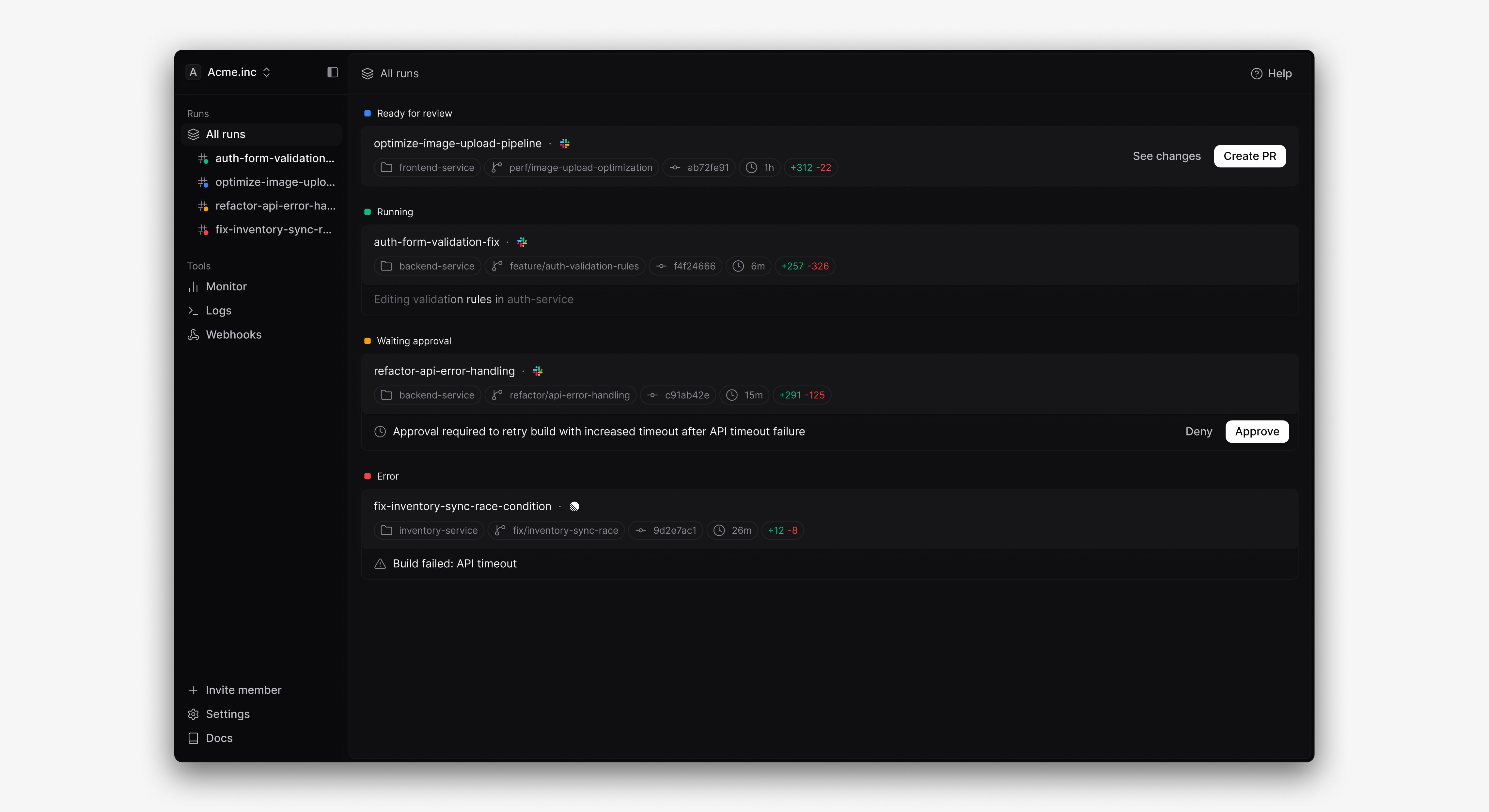
The goal shifted towards clarity — helping developers immediately understand what requires their attention. At any moment, they need to know what agents are doing, which tasks are ready for review, and where intervention is required.
To support this, the primary unit of the interface became the run. Each run provides a clear snapshot of the task, including its current state, related code changes, execution context, and the next possible action.
Task status transitions
In some cases, an agent requires human approval before continuing its work. This can happen for various reasons, such as performing sensitive actions or making impactful changes.
Once approval is given, the agent resumes execution. At this point, it is important for developers to clearly see the transition from one state to another.
To support this, status changes are designed as smooth transitions, making it easier to follow what happened and understand the agent’s current state.
What is "Agent run"?
Inside a run
Each run represents a single execution of an agent.
Instead of a chat interface, it operates with predefined context from Slack, so the task and expected outcome are already known.
The main view presents activity as a structured log, showing actions and resulting code changes.
Developers can still guide the process by adding instructions in the sidebar, while also accessing the original prompt, related sources, and repository state.
Once the run is complete, the system highlights what requires human review and provides a summary, allowing developers to move directly to creating a pull request.
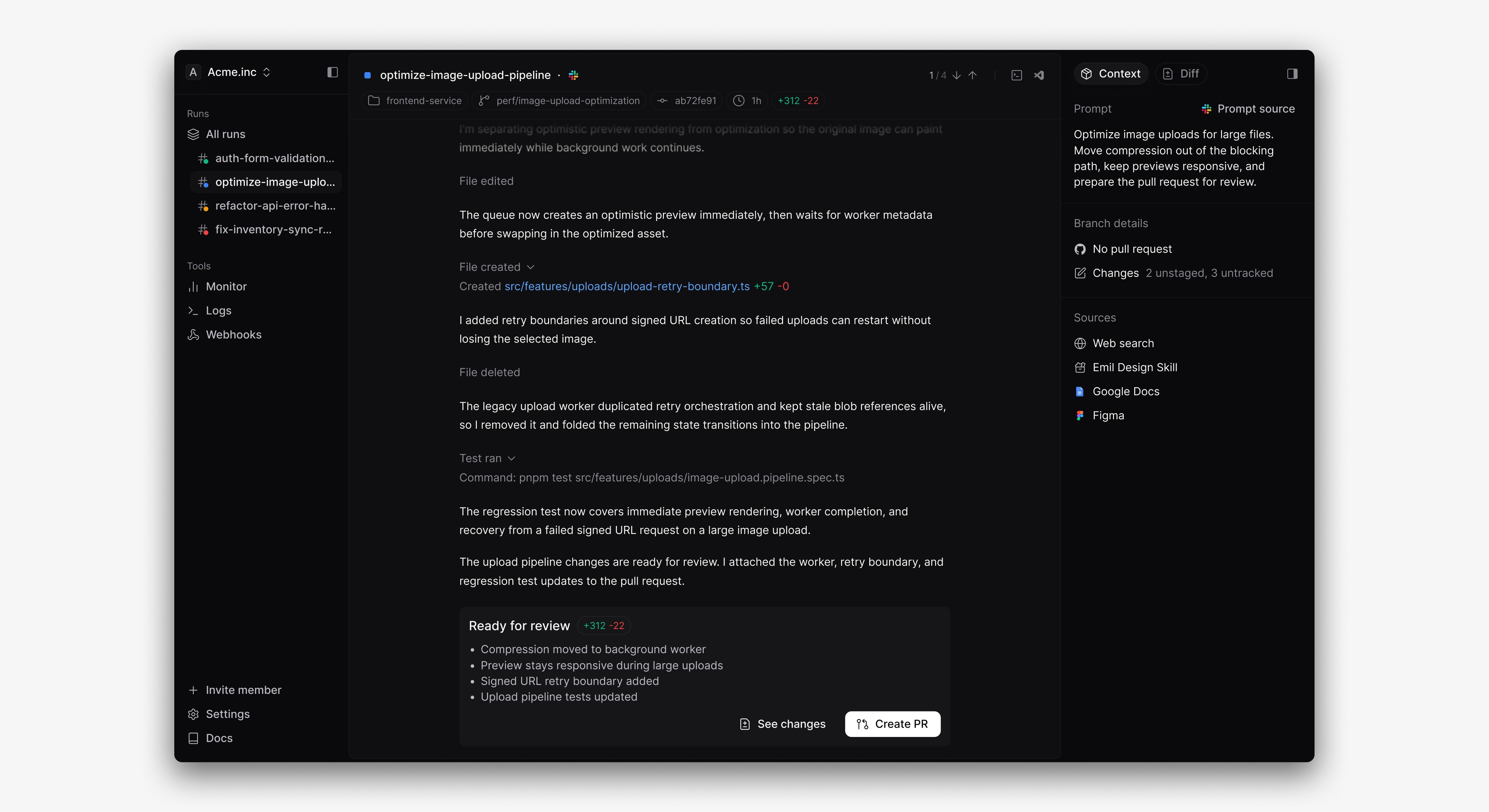
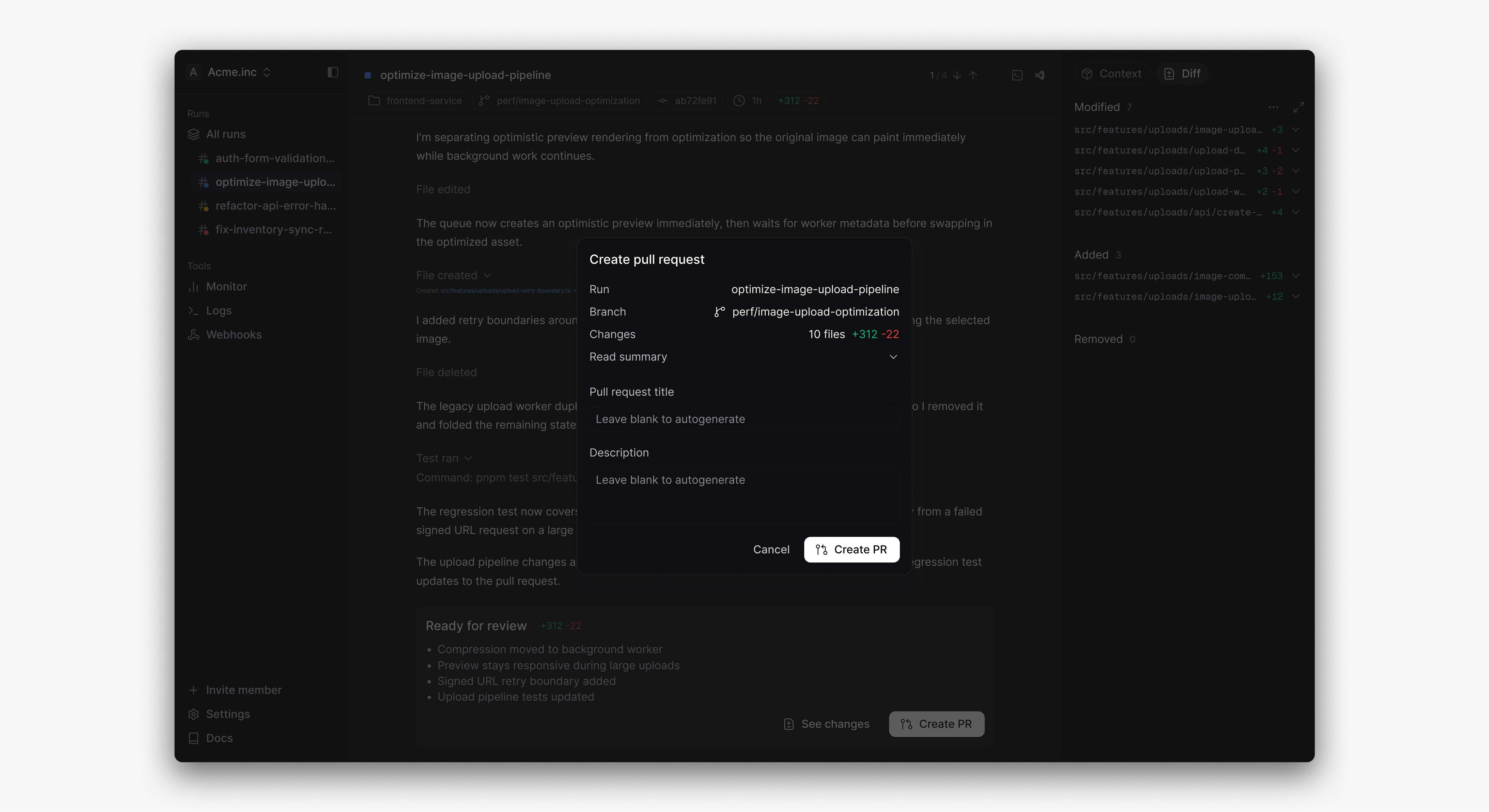
Create pull request from finished task
Once a run is complete, the developer reviews the changes produced by the agent.
If everything looks correct, they can create a pull request directly from the interface without leaving the workflow.
Also check out…
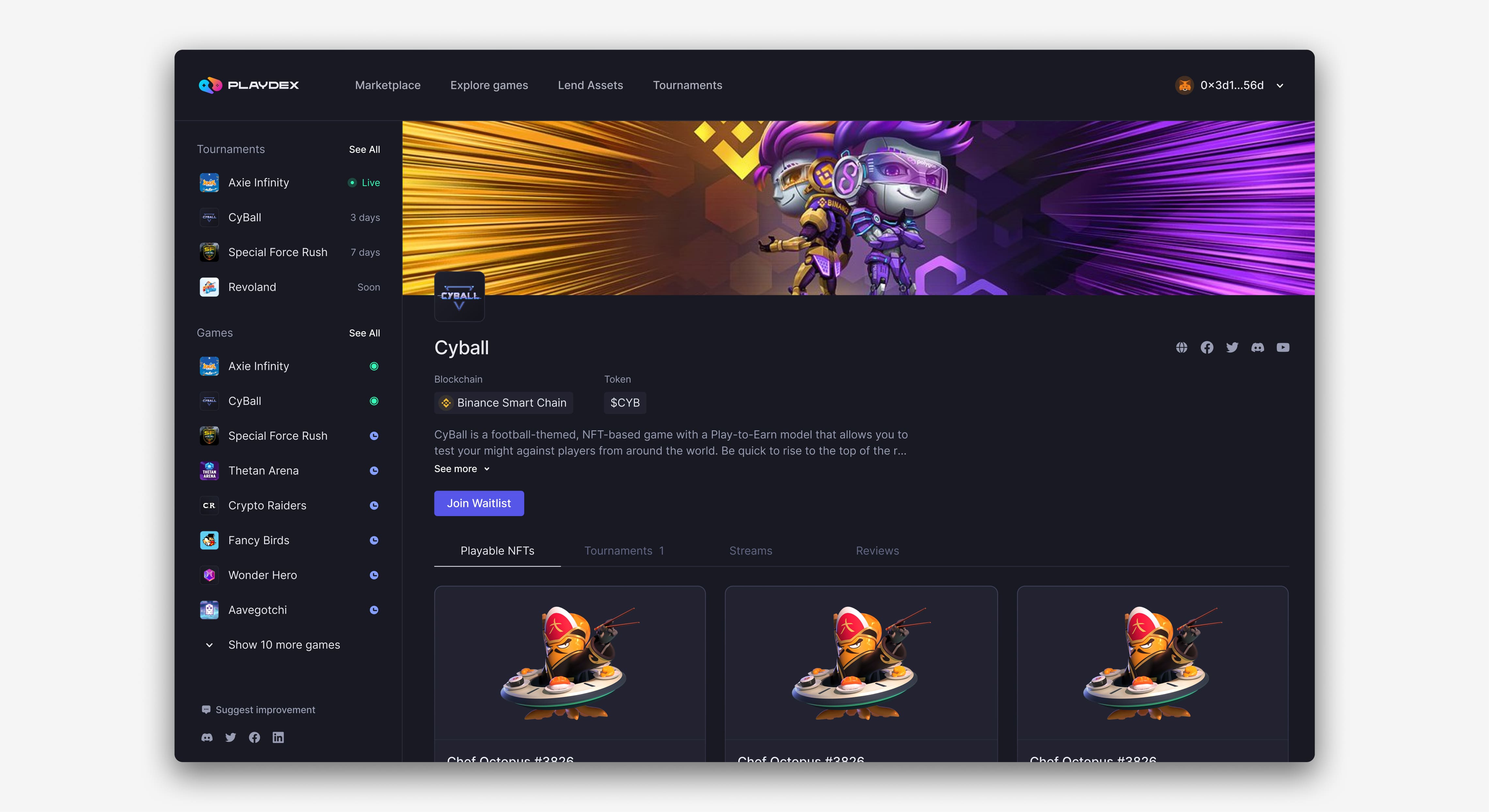
Playdex ― NFT Rental Marketplace
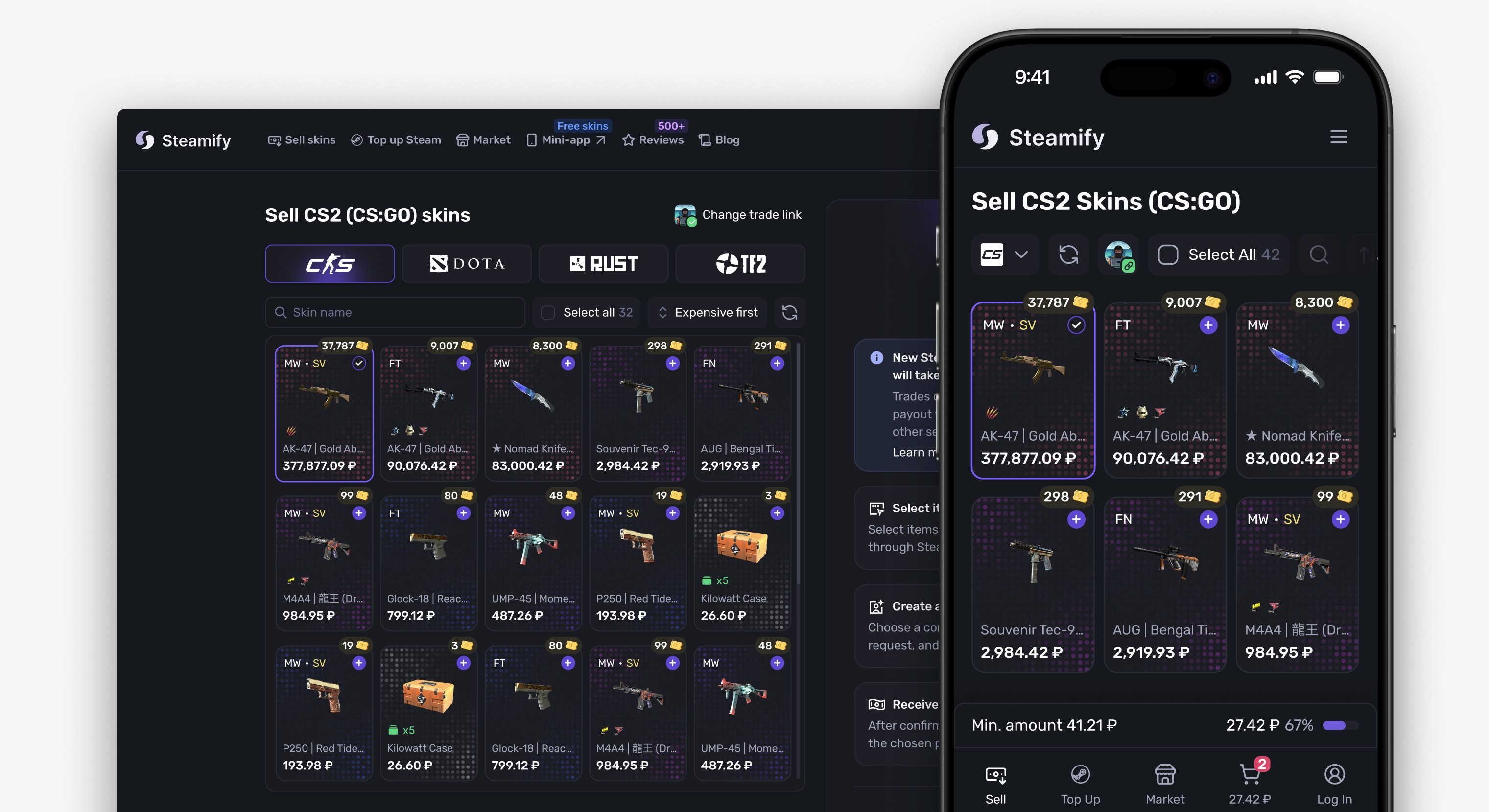
Steamify ― Skins Cashout